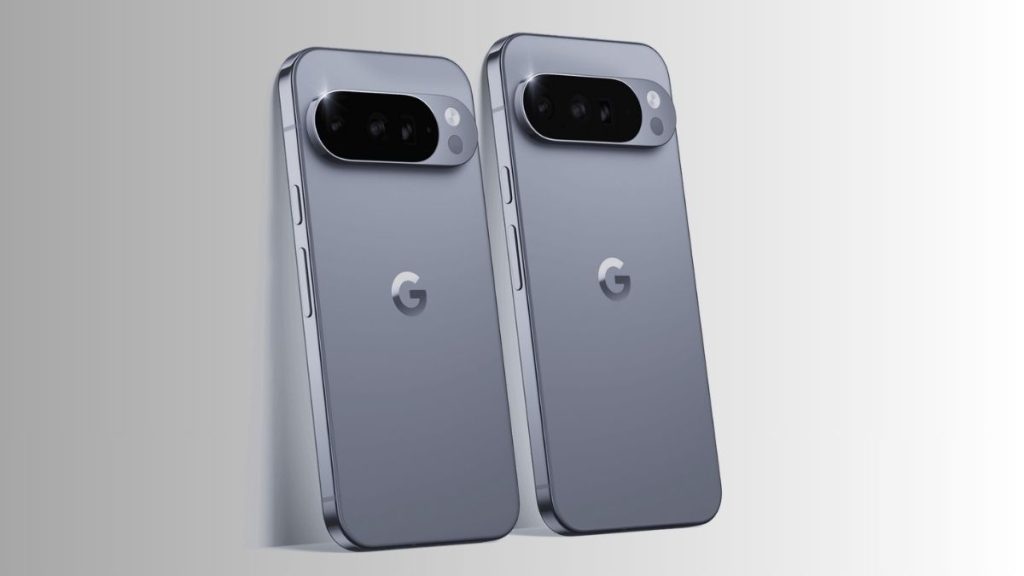


It is the kind of issue that quickly becomes frustrating in everyday use. Your phone appears to be working normally, but the screen suddenly stops responding. Since the December update, many Google Pixel 10 and Pixel 10 Pro owners have been experiencing this touchscreen freeze.
How the issue appears
The scenario is consistent. After the phone has been locked and left untouched for a few minutes, the touchscreen becomes unresponsive. Notifications still come through and sounds continue to play, but unlocking the device becomes impossible. The screen seems to fall into a sleep-like state, and only a forced restart by holding the power and volume buttons brings it back. Interestingly, the issue rarely occurs when the phone is moving, such as when it is carried in a pocket.
Who is affected
The problem mainly affects the latest Pixel 10 models, although some users of older devices are also monitoring the situation. Reports are increasing on forums and Reddit, confirming that this is not an isolated case.
Temporary solutions while waiting for a fix
Google has not yet officially acknowledged the bug, but the user community has identified several temporary workarounds:
• Restarting the phone
This remains the most reliable solution, although it is also the least practical.
• Disabling Always On Display
This feature has often been linked to display issues on Pixel devices. Turning it off in Settings, then Display, may reduce or even eliminate the freezes.
• Adjusting Extended Unlock
Enabling this option in Settings, then Security, can help in some cases, although its effectiveness varies depending on location and usage.
A recurring pattern for Pixel users
This issue adds to a series of minor display glitches that have affected the Pixel 10 lineup since launch. Fortunately, these are software-related problems rather than security flaws or serious hardware defects, and Google typically resolves them through updates, sometimes within a few weeks.
Until the next Pixel Drop arrives, these workarounds can help limit daily frustration. Enabling automatic updates is recommended so the fix can be applied as soon as it becomes available.