
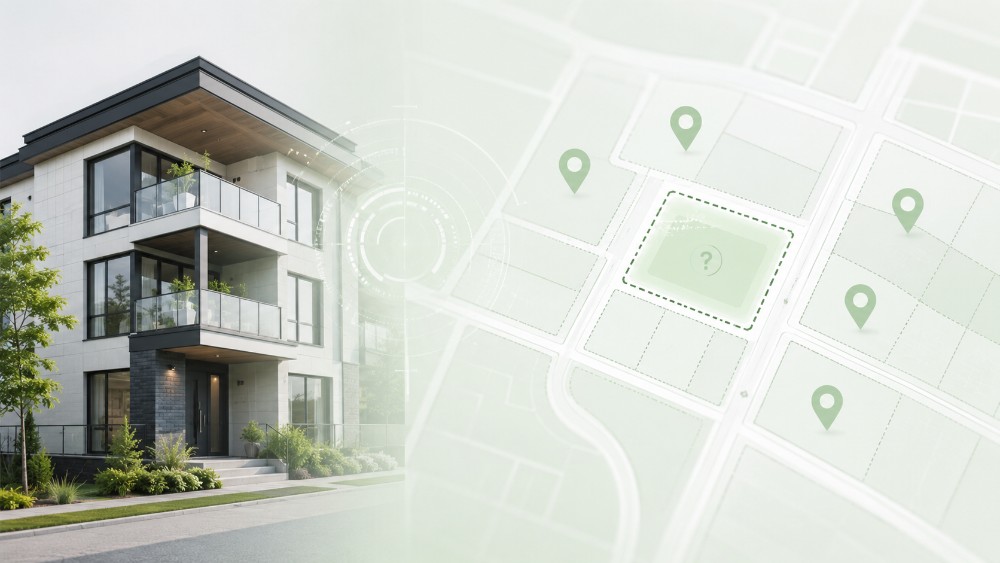


Moving into a newly built home should feel simple. The walls are freshly painted, the floors are spotless, the outlets are new, and the moving boxes are ready to be opened. But for many first occupants, one very modern problem can quickly turn move-in day into a headache: your new address may not exist yet in your Internet provider’s system.
Not physically, of course. The building is there. The apartments are there. The cables may even already be installed. But in the databases used by Internet providers, your new home can still be invisible.
That is what happened to Ronald, a future tenant preparing to move into a brand-new apartment building in Nicolet. Even though he started looking for Internet service several weeks before moving in, the answer from providers was always the same: they could not find the address.
A real problem for first tenants
Ronald was scheduled to move on June 22 into a newly built apartment building in Nicolet, in the J3T 1A0 postal code area. The building was almost finished and close to welcoming its first tenants.
The problem was simple: his apartment did not appear in any system.
After several calls, the answer remained the same. Cogeco had no active service request or file for the new address. Through a telecom brokerage service, Ronald also had multiple providers checked, including major names in the market. The result was still the same: the address could not be found.
“It’s a brand-new building, they’re still finishing construction. Every company tells me no, they don’t have a request to go there.”
It can feel absurd. The apartment exists. The lease exists. The moving date is coming. But for automated availability tools, the address is still a digital ghost.

Why a new address can be invisible
In most cases, this is not really a cable problem or a technology problem. It is a synchronization problem between different systems.
Internet providers use databases to confirm whether an address can be served. These systems may rely on public maps, address registries, existing infrastructure, network availability, building agreements, and sometimes information provided by the developer or property owner.
When a building is new, part of that chain can lag behind.
1. The address may not appear in mapping tools yet
Many providers rely on databases connected to public mapping tools. If the new civic number or apartment unit is not yet visible in those systems, the provider’s availability tool may automatically block the order.
That is where the frustration begins. Even if the building exists in the real world, the agent on the phone may not always be able to create a service request without internal validation.
2. Provider databases may not be updated yet
Internet providers do not always update their internal systems the moment a building is completed. There can be a delay between the end of construction, the official creation of units, the confirmation of infrastructure, and the moment the address becomes available in sales tools.
This delay can last a few days. Sometimes, it can take several weeks.
3. The network may be nearby, but the unit is not registered
This is often the most frustrating part. Neighbouring buildings may already have Internet service, while the new building remains impossible to find.
That does not necessarily mean the service is unavailable. It often means the address has not yet been properly linked to the network that is already present in the area.
In other words, the signal may be nearby, but your digital front door has not been added to the map yet.
What to do if your new construction is not recognized
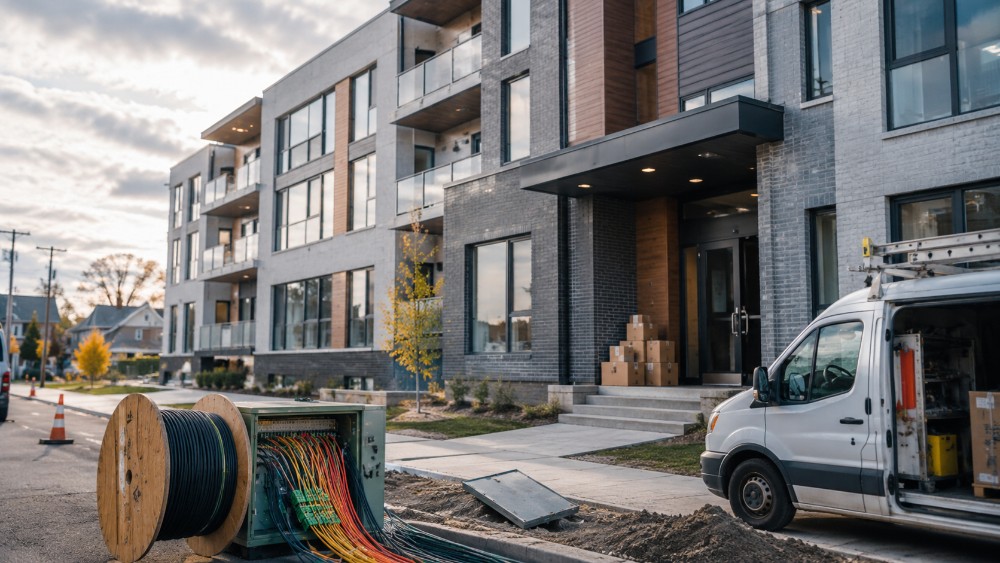
An automatic “no” does not always mean the situation is blocked. Here are the most useful steps to take before moving day.
1. Ask the provider to check nearby addresses
If a provider cannot find your address, ask the agent to check neighbouring civic numbers or nearby buildings.
If nearby addresses are eligible for service, that is a strong sign that the network is already available in the area. You can then ask for a manual address validation or for the case to be escalated.
You can say:
“Could you check nearby addresses to confirm whether service is available in the area? My building is new, and my unit may not be in your system yet.”
This helps you avoid getting stuck with a basic automated answer.
2. Contact the developer or property owner
In a new building, the developer, landlord, or property manager may be able to solve the issue faster than a tenant.
Why? Because developers often speak with Internet providers before a building is delivered. There may already be an agreement with a specific cable company or provider. The developer may also know which company installed the building’s telecom infrastructure.
Ask the developer:
- Which provider wired the building?
- Has a service agreement already been signed?
- Is there a telecom representative assigned to the project?
- Were the official address and unit numbers sent to providers?
- Should tenants contact a specific provider first?
This is often the most important step. If the building is new, one email from the property manager to the right representative can sometimes move the file forward quickly.
3. Ask for an address validation file to be opened
If the provider cannot find your home, ask directly for a manual address validation.
Not every agent will suggest this automatically. Some will simply repeat what appears on their screen. You may need to calmly ask for the issue to be escalated.
You can say:
“This is a new address and it seems to be missing from your database. Is it possible to open an address validation request or send the file to your technical team?”
The important phrase is “address validation.” It makes clear that the issue is not only commercial, but also administrative and technical.
4. Compare providers available in your area
Even if your exact address is not recognized yet, it can still be useful to compare Internet providers available around your postal code. This can help you identify which companies are most likely to serve your building once the address is added to their systems.
With PlanHub, you can compare Internet plans based on your area, your budget, and your actual needs. If your new address does not appear yet, start with your postal code and check which providers are active nearby.
That gives you a better idea of your options before calling companies one by one.
5. Plan a temporary solution
If you work from home or need Internet on your first day, do not rely only on the residential installation.
A few temporary options can help:
- Use mobile hotspot sharing for a few days
- Check whether your mobile plan has enough data
- Ask the property manager for a realistic activation timeline
- Prepare an alternate workspace if needed
- Keep checking when your address appears in provider systems
It is not ideal, but it can help you avoid a nasty surprise when the boxes arrive.
What to remember
A new apartment can be ready to live in before it is ready in Internet provider systems. It is frustrating, but it does not necessarily mean the building cannot be connected.
In many cases, the infrastructure is already nearby or even installed. The real issue is the delay between physical construction and digital recognition in provider databases.
The best strategy is to act before moving day: check nearby addresses, contact the developer, ask for manual validation, and compare the options available in your area.
Internet has become an essential service. In a perfect world, a home’s digital address would be ready at the same time as its keys. Until then, new tenants may sometimes have to play detective to prove that their apartment really exists.

FAQ
Why can’t Internet providers find my new address?
Because provider databases are not always updated at the same time as new buildings are completed. An address can exist physically, but not yet be recognized in commercial or technical systems.
Does this mean my building is not wired?
Not necessarily. Cables may already be installed in the area or inside the building. The issue may simply be that the address has not been registered yet.
Who can help fix the problem?
The developer, landlord, or property manager can often confirm which provider serves the building and contact the right representative.
What should I ask the provider?
Ask for a manual address validation or for a new address file to be opened. You can also ask the agent to check neighbouring addresses.
How can PlanHub help?
PlanHub lets you compare Internet plans available in your area. Even if your exact address is not recognized yet, you can start with your postal code to identify providers active nearby.