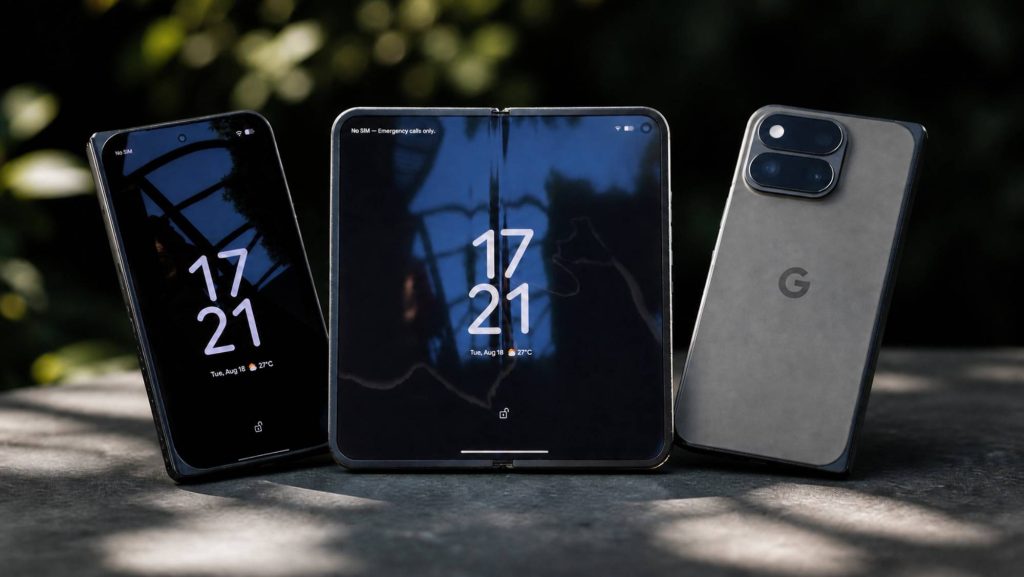


After a few days with the new Pixel 11 Pro Fold, one thing becomes clear: Google is no longer merely trying to prove that it can build a foldable phone. This model feels like a mature product, with a more compact design, a reassuring hinge and software that finally makes better use of the form factor.
I have not spent enough time with it to deliver a definitive verdict, particularly on battery life, nighttime photography or long-term durability. Here is what stood out during my first few days, including what won me over and the limitations I have already encountered.
A more compact foldable that feels good in the hand
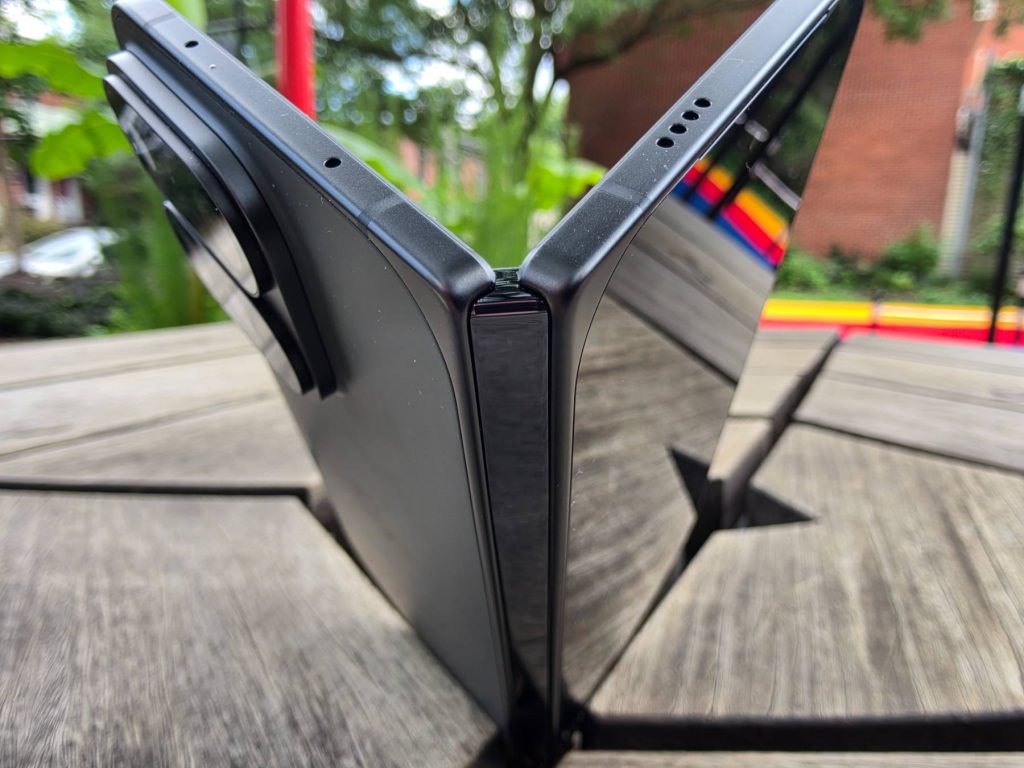
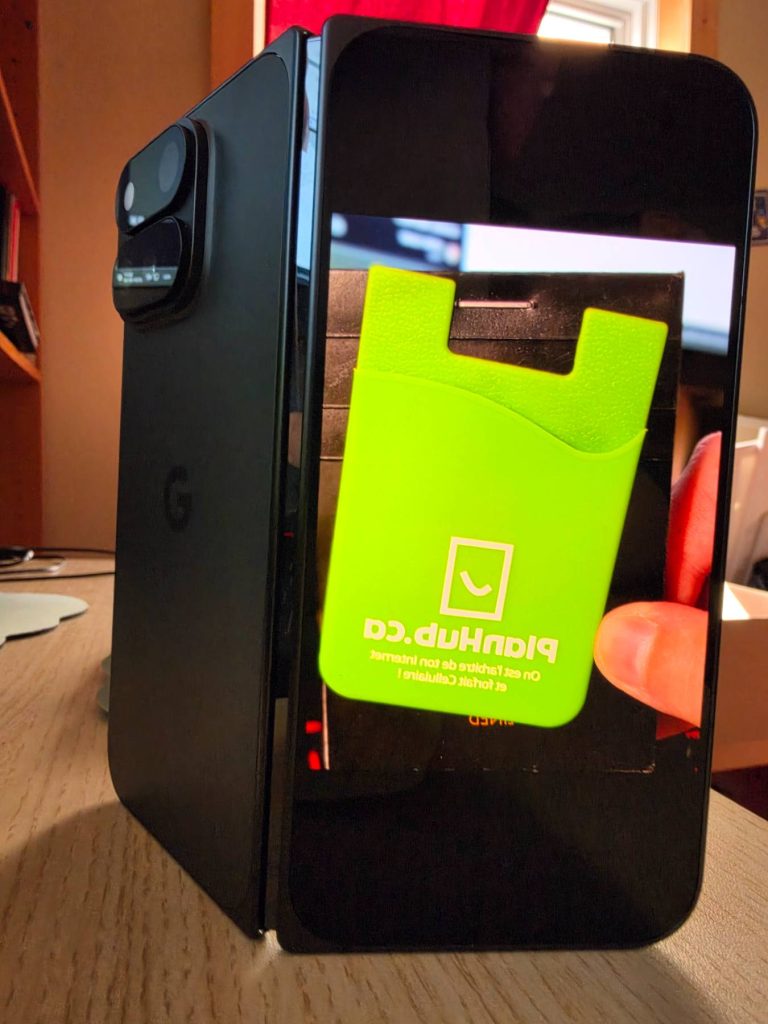
The first noticeable change is the design. Despite its large inner display, the Pixel 11 Pro Fold remains relatively light and easy to hold. Google says it is nearly 10% lighter and almost one millimetre thinner than the Pixel 10 Pro Fold. You can feel that reduction in the hand: when closed, it feels more like a conventional smartphone than a small tablet folded in half.
The finish is equally reassuring. The hinge feels sturdy, the fit is clean and no detail appears to have been overlooked. Google also claims IP68 water and dust resistance, along with three times the durability of its previous Fold. I obviously did not try to verify those claims by deliberately submerging the phone. An IP68 rating provides some peace of mind, but it does not make a device waterproof under every circumstance.
Two excellent displays and a better unfolding experience
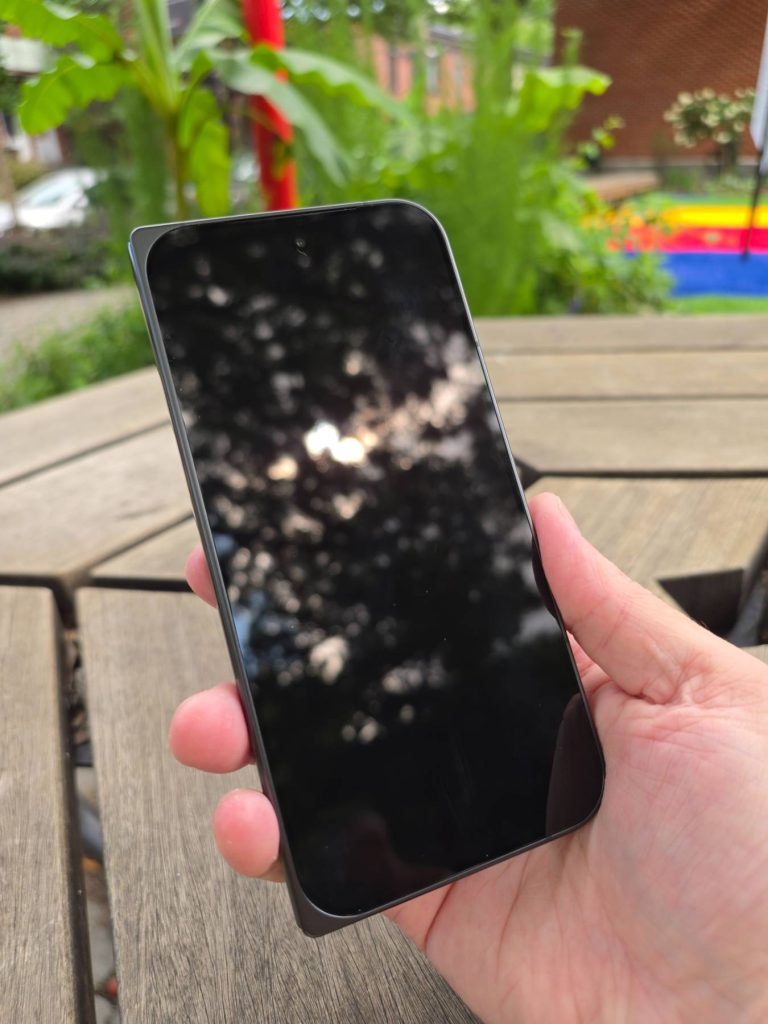
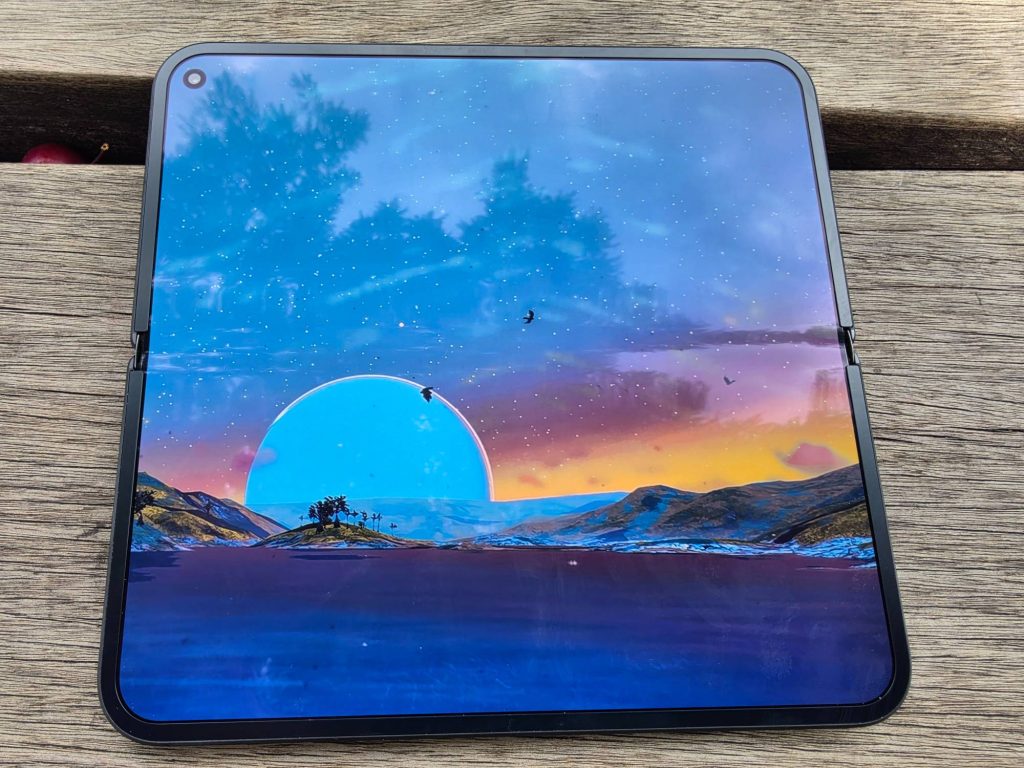
The Pixel 11 Pro Fold has two displays: a 6.5-inch Super Actua OLED cover screen and an 8-inch Super Actua Flex inner display. Both offer an adaptive refresh rate from 1 to 120Hz and a claimed peak brightness of up to 3,600 nits.
In use, both screens are bright, smooth and enjoyable. The cover screen is large enough for everyday tasks, while unfolding the phone provides far more room for reading, watching videos, editing photos or working with two apps.
I also appreciate the borders around the inner display. They provide somewhere to grip the phone while unfolding it and help prevent accidental touches. On some foldables, opening the device can trigger an unwanted command or bring up a page you never intended to open. Here, the motion feels more natural and reliable.
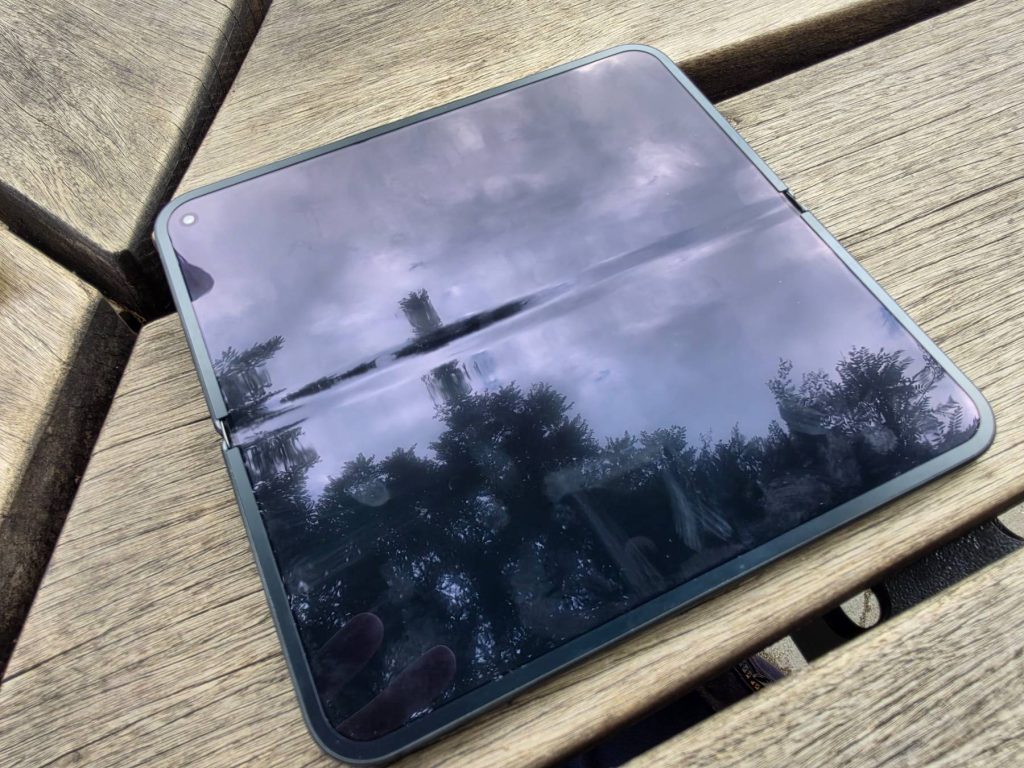
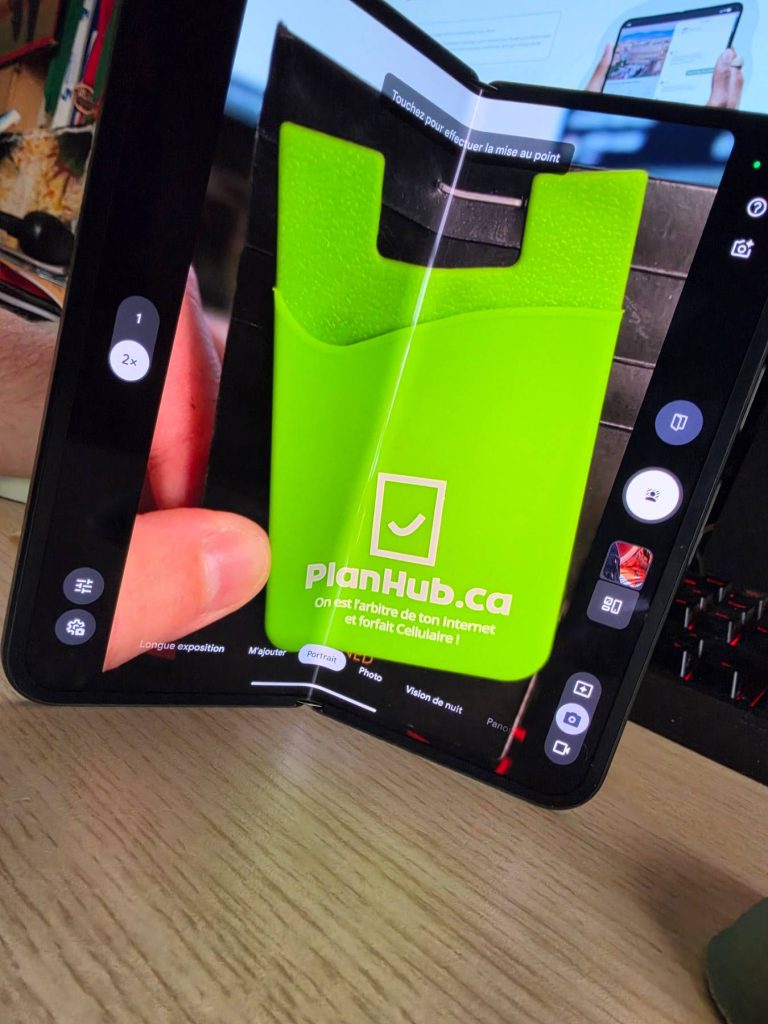
The centre crease has not disappeared completely. After opening the phone several times, it is clearly noticeable under a finger. When viewed straight on, however, it quickly fades into the background. It remains slightly visible against certain dark backgrounds or when light hits it at a particular angle, but becomes far less noticeable on brighter content. To me, it is more of a tactile presence than a genuine visual problem.
Software that finally understands the foldable format
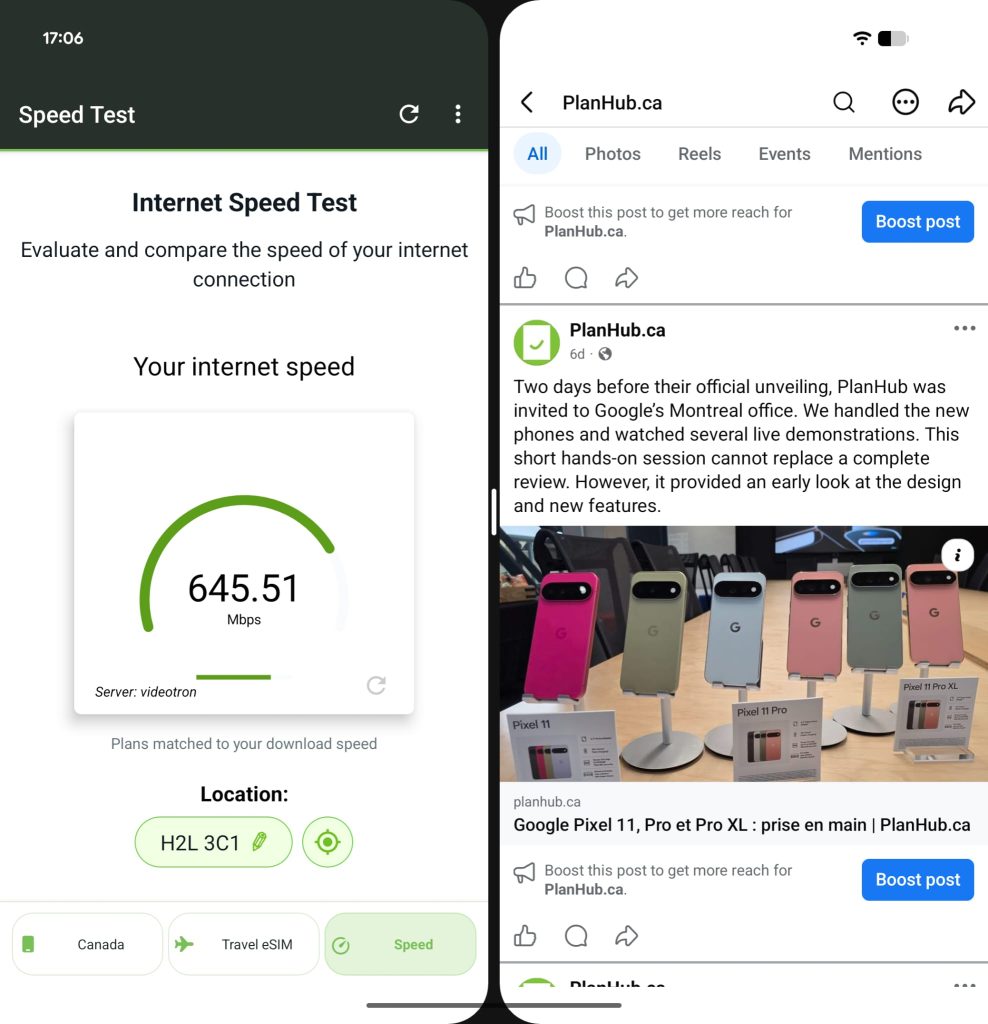
The larger display is not simply used to show one app at a bigger size. Split Screen lets you place two apps side by side, adjust how much room each one gets and quickly swap their positions. You can also drag text, an image or a link from one app into another. Floating app bubbles add another layer of multitasking and can even be opened over two apps already running side by side.
There is a short learning curve. The gestures used to return home, display recent apps or start a split-screen session are not always the ones you instinctively expect from a conventional smartphone. Once that logic clicks, however, navigation becomes quick and fluid.
The foldable design also enables useful camera features. Instant View displays recently captured images beside the viewfinder on the large inner screen. Made You Look uses the cover display to show animations to the person being photographed while the photographer keeps the framing controls on the other screen. The two displays can therefore work together, a simple but genuinely useful idea for portraits and photos of children.
Tensor G6, fast transfers and Gemini everywhere
The Pixel 11 Pro Fold is powered by Google’s new Tensor G6 chip and includes 16GB of RAM. So far, the phone responds quickly: apps launch without any noticeable wait and switching between tasks feels smooth.
Moving data to the phone was equally painless. I tested a transfer from another Pixel and then from a Samsung device. In both cases, contacts, photos and apps were restored quickly. All that remained was inserting the SIM card and completing a few account sign-ins.
Gemini is integrated throughout the experience. Contextual suggestions can draw on what is displayed on the screen, notifications, location and any apps the user chooses to connect. In practice, you can ask for a good nearby pizza restaurant or quickly pull up information about a place. This assistance builds on what Google was already doing, but feels more integrated and proactive here.
The camera bar also features HiLight, a system of coloured lights that can signal certain Gemini interactions or favourite contacts. It is a small visual touch, but one that helps give the device its own identity.
Live media translation is a real surprise
Of the new features I tried, Live Translate for Media may be the one that surprised me most. It can translate and dub dialogue from compatible videos and podcasts in real time.
I tested it with Spanish and Japanese content, including a clip from an anime show. With earphones, the response was fast enough to feel almost like I was following the content directly in English or French. It is not entirely instantaneous and a short processing delay remains noticeable, but the result is already remarkable.
The feature works best with clear dialogue delivered at a consistent pace and with minimal background audio. I will also need to test it while travelling and in more real-world situations before judging its long-term reliability.
A consistent camera system without chasing megapixels
On paper, the Pixel 11 Pro Fold is not trying to outdo phones advertising 200-megapixel sensors. Its rear camera system combines a 48MP main camera, a 10.5MP ultrawide with macro focus and a 10.8MP telephoto camera with 5x optical zoom. Super Zoom reaches up to 30x.
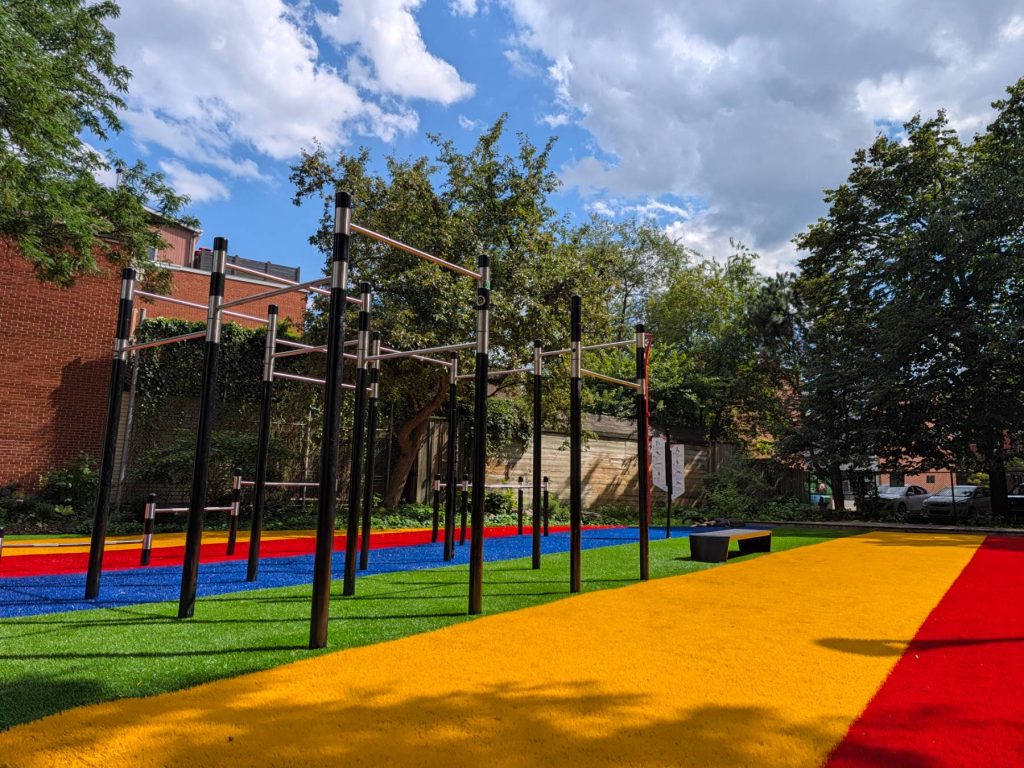
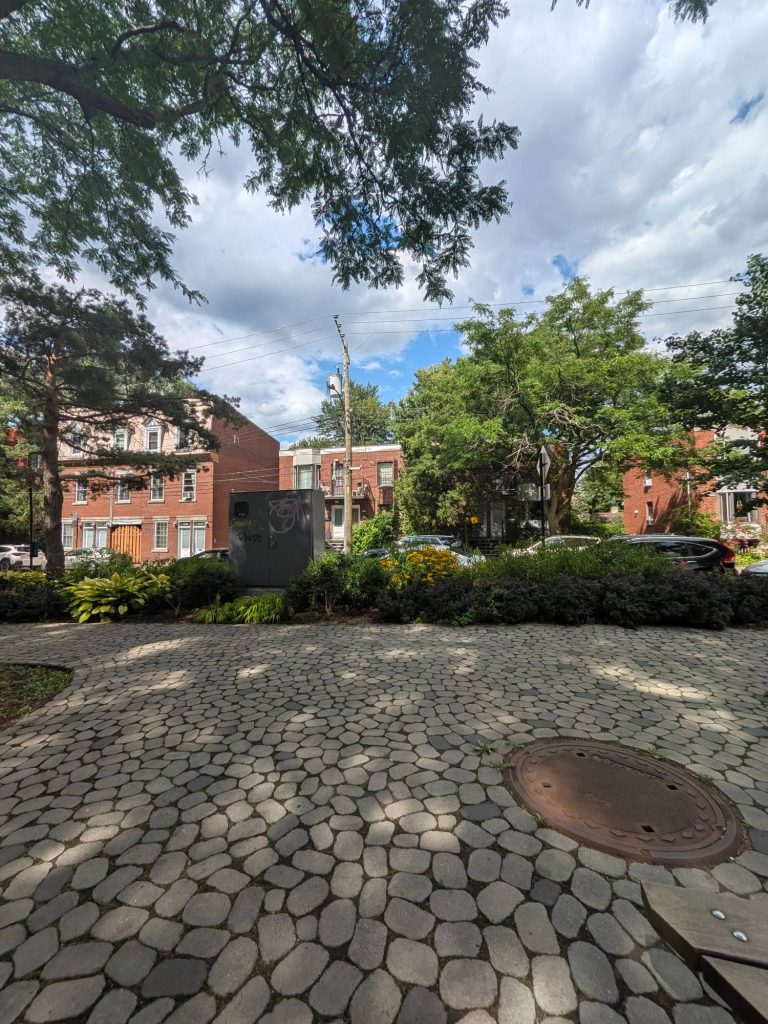
Those numbers may be more modest than what some competitors advertise, but megapixel counts alone do not determine image quality. In my early testing, the overall rendering and colour handling were reliable and often looked more natural than the results from some devices that lean more heavily on headline specifications.
Macro mode required more patience. Autofocus can hesitate when the phone gets too close to a subject, and detail begins to fall apart if you push beyond the camera’s comfort zone. I want to explore this further under better lighting conditions.
Night Sight produces interesting results in dim environments, but it obviously cannot recover details that simply are not present in complete darkness.
Magic Capture changes how you preserve a moment
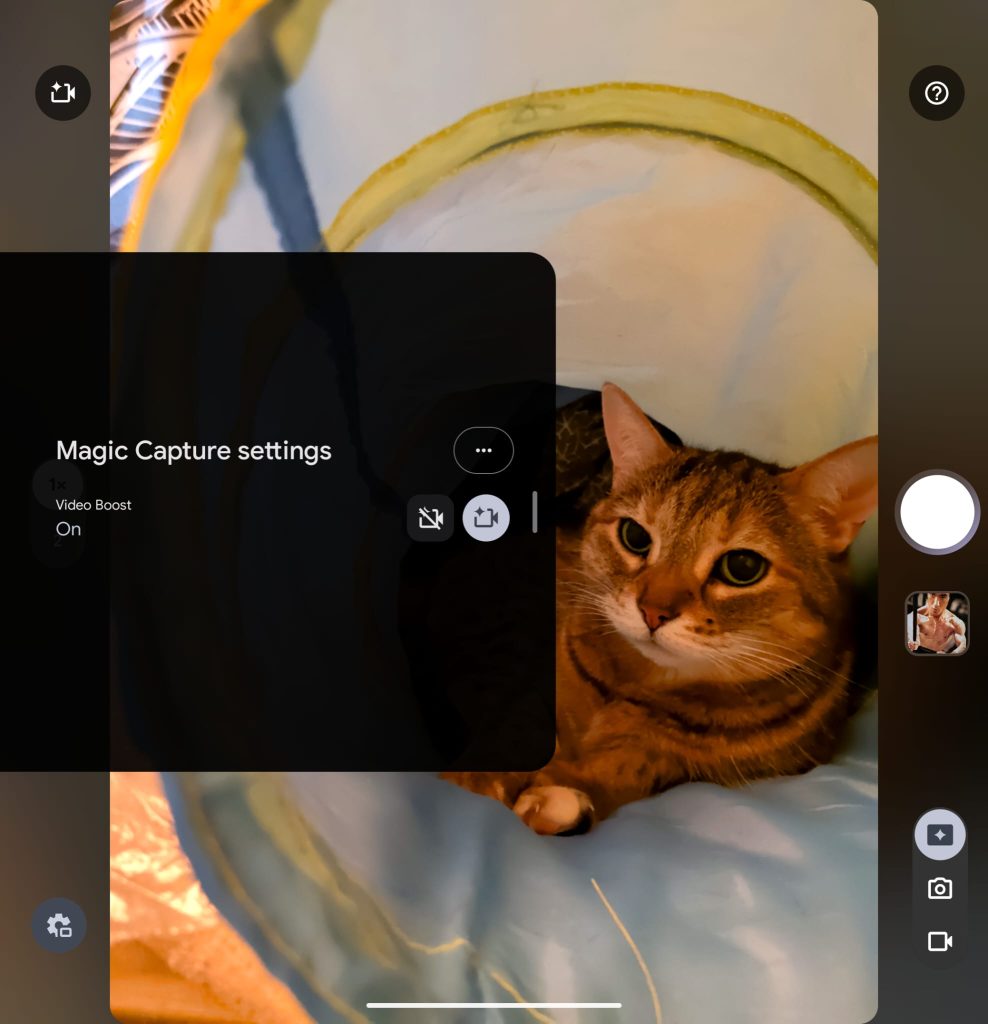
The major new camera feature is called Magic Capture. With a single press, the phone records a short video sequence while producing high-quality photos and quick edits. The idea is particularly well suited to children, pets, sports and spontaneous scenes where the best moment can be difficult to predict.
During my testing, I liked being able to remain present in the scene instead of firing off a burst and hoping for the best. The phone then suggests the strongest shots, while still allowing you to extract a frame manually if the automatic selection misses the precise moment you wanted. On the Pro Fold, Video Boost also lets Magic Capture operate in 4K 10-bit HDR.
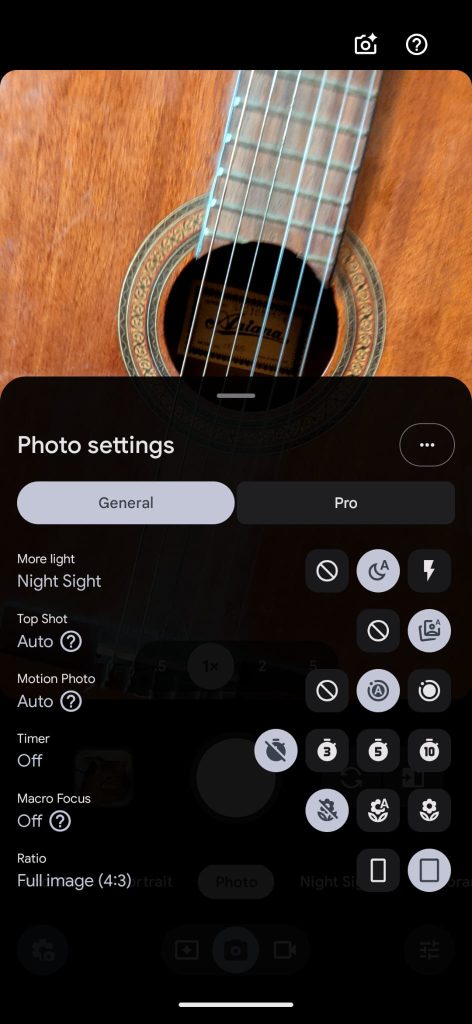
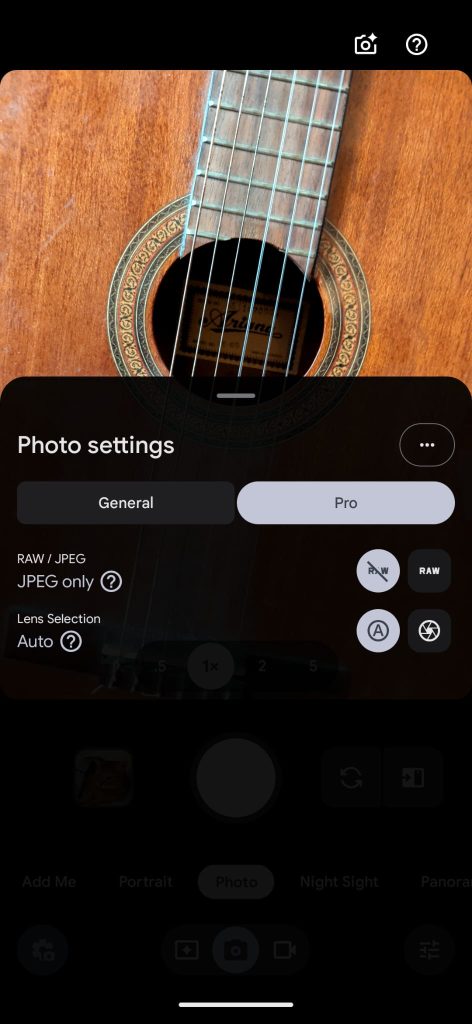
The Camera app is more customizable as well. You can choose which mode appears at launch, reposition certain shortcuts and select looks with warmer tones, deeper shadows or different grain. These controls take some exploration, but they prevent users from having to adapt their photography to a rigid interface.
A thoughtful Creator Suite for video
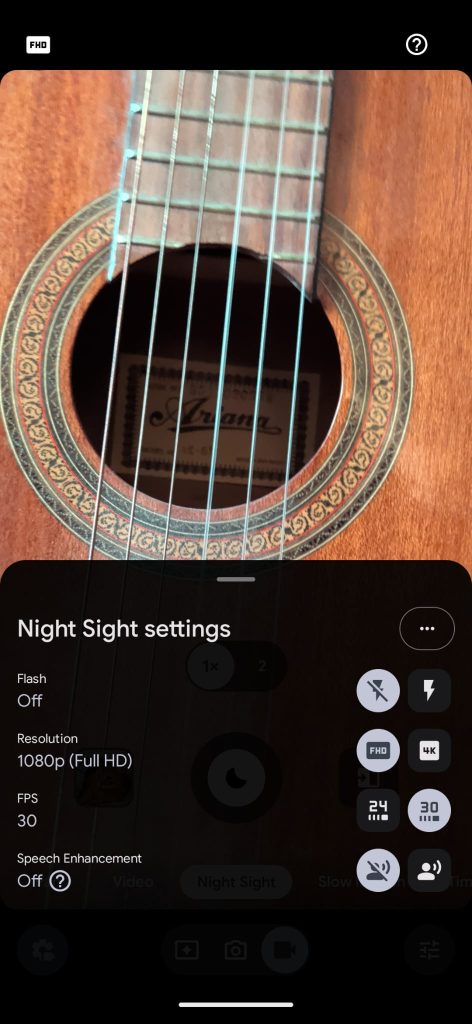
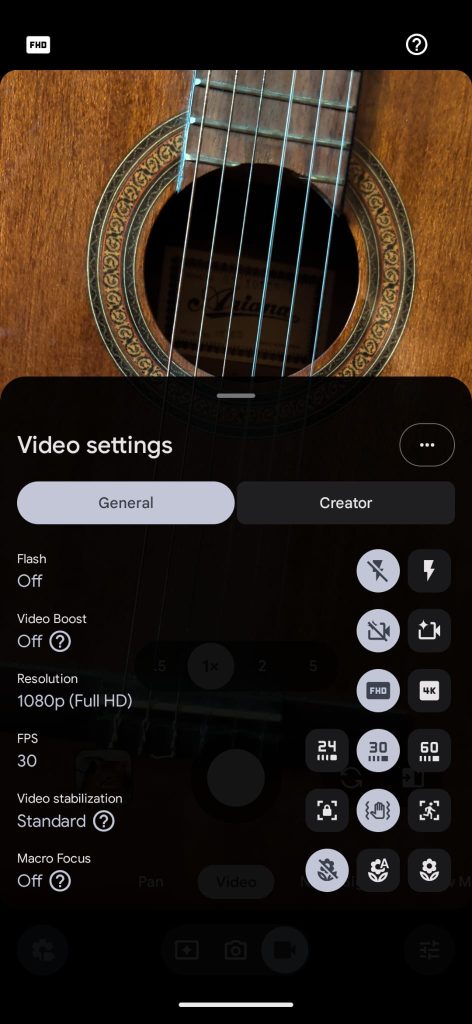
Within Creator Suite, video recording reaches up to 4K at 60 frames per second with both the front and rear cameras. Stabilization proved effective during quick movement and even a light jog, although enabling it noticeably increases power consumption.
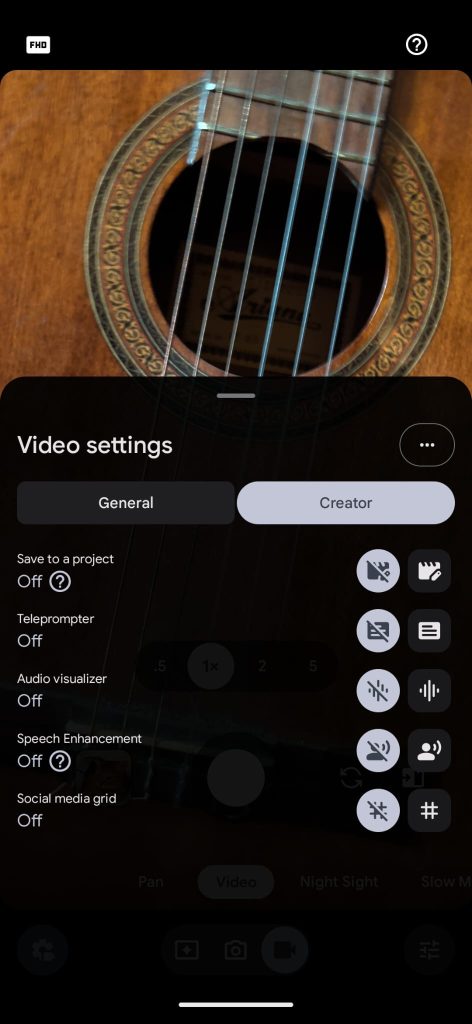
Google has also added several creator-focused tools: clips can be organized into folders, a storyboard makes it easier to rearrange footage, audio levels are visible while recording, speech enhancement reduces background noise, and framing grids are optimized for social platforms.
The teleprompter is the most original addition. It follows the speaker’s pace, slowing down or stopping when they pause, which helps maintain a more natural delivery on camera. One important limitation at launch is that automatic teleprompter scrolling is available only in English.
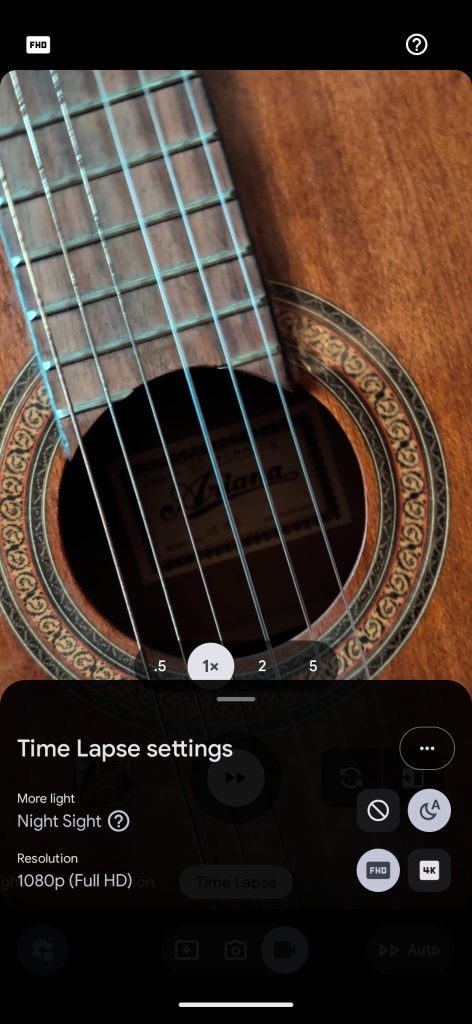
The familiar slow-motion and time-lapse modes are present as well. Time-lapse is particularly easy to use for condensing a sunset, a journey or a long static scene.
Promising battery life that still needs longer testing
The 4,806mAh battery is rated for more than 24 hours of use. During my first few days, I did not encounter any major battery issues, and power management felt more reassuring than on several other foldables I have tried. A longer and more controlled test will still be required before claiming that it genuinely outlasts its competitors.
Wired charging reaches 30W, with Google claiming a 50% charge in about 30 minutes. The phone also supports Pixelsnap magnetic wireless charging, certified for Qi2.2 at up to 25W. My initial charging sessions were quick, but this is another area that will need more precise measurements.
Google’s foldable comes of age
The Pixel 11 Pro Fold does not win every specification battle. Some competitors offer higher megapixel counts, more ambitious video modes or a crease that is even harder to spot. But the overall experience matters more than a collection of numbers, and that is precisely where this Pixel feels most convincing.
Its more compact shape, excellent displays, reassuring hinge and foldable-focused software form a coherent package. Magic Capture, media translation, multitasking and Creator Suite do not feel as though they were added merely to fill out a feature list: several already provide something useful in everyday life.
My main reservations concern the crease, which remains easy to feel, the occasionally hesitant macro focus and the time required to learn all the phone’s options. Battery life, nighttime photography and durability will also need to be evaluated over a longer period.
At this stage, the Pixel 11 Pro Fold appears to be the most accomplished foldable Google has ever made and, more importantly, the one that demands the fewest compromises simply because it folds.
Strengths
- More compact, thinner and lighter design
- Two bright and fluid displays
- Reassuring hinge and build quality
- Genuinely useful multitasking on the inner display
- Very promising Magic Capture and media translation features
- Simple and fast data transfer
- Creator Suite offers practical tools for video makers
- Great speaker sound quality
Points to watch
- The centre crease remains noticeable to the touch
- Macro autofocus can hesitate
- Video stabilization consumes more power
- The number of features creates a learning curve
- Battery life, nighttime photography and durability still require long-term testing
Key specifications
- Cover display: 6.5-inch Super Actua OLED, 1-120Hz, up to 3,600 nits
- Inner display: 8-inch Super Actua Flex OLED, 1-120Hz, up to 3,600 nits
- Processor: Google Tensor G6
- Memory: 16GB RAM
- Storage: 256GB, 512GB or 1TB, depending on the configuration
- Main camera: 48MP
- Ultrawide camera: 10.5MP with macro focus
- Telephoto camera: 10.8MP, 5x optical zoom, Super Zoom up to 30x
- Battery: 4,806mAh, rated for more than 24 hours of use
- Charging: 30W wired; Pixelsnap Qi2.2 up to 25W
- Resistance: IP68
- Connectivity: 5G, Wi-Fi 7, Bluetooth 6, nano-SIM and eSIM
- Promised software support: Seven years of operating system updates, security updates and Pixel Drops